Pages & images
Page order, thumbnail sizes, captions: how WordPress organises and displays your content.
- Accessible WordPress themes: what the accessibility-ready tag checks and how to test yours
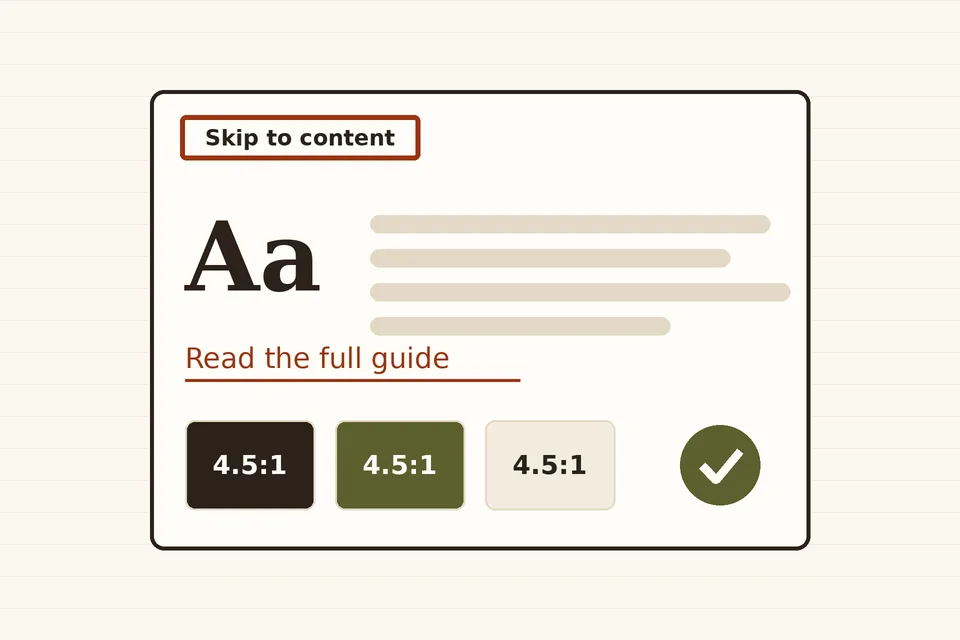
What makes a WordPress theme accessible: the accessibility-ready requirements, the WCAG 2.2 criteria behind them, a 20-minute test you can run yourself, and what stays the editor's job.
- Changing a WordPress slug or permalink structure without breaking links
What WordPress redirects on its own when you rename a post, why pages and permalink-structure changes are not covered, and how to add 301 redirects, update internal links and check the result.
- Image captions in WordPress: blocks, the Media Library and theme templates
How captions work in WordPress: caption versus alt text, adding captions in the Image block and Media Library, styling them, and showing captions in templates.
- Ordering WordPress pages: the Order attribute, menus and drag-and-drop
How WordPress decides the order of pages, how to set it with the Order attribute, navigation menus or drag-and-drop, and how to sort page lists in code.
- WordPress for estate agents: a listings plugin or a property platform?
What a property listings site on WordPress really involves (custom post types, maps, MLS/IDX feeds, GDPR, speed) compared with relying on the big property portals, and how to decide.
- WordPress for schools, nurseries and councils: what accessibility law requires of the site
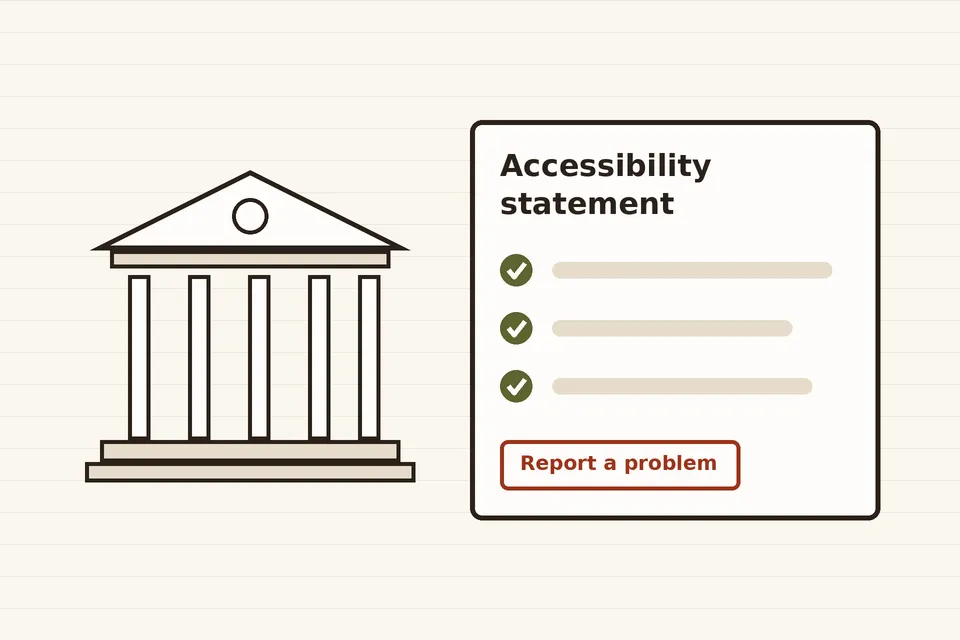
The accessibility rules that apply to WordPress sites of public bodies, schools and nurseries in the EU, the UK and the US: which WCAG level, which exemptions, the accessibility statement, and what to fix first.
- WordPress thumbnail and image sizes: settings, custom sizes and regeneration
Which image sizes WordPress creates on upload, how to change thumbnail dimensions, register custom sizes, regenerate existing images and avoid wasted disk space.