Accessible WordPress themes: what the accessibility-ready tag checks and how to test yours
A theme decides much of how usable a WordPress site is for people who navigate with a keyboard, a screen reader or a magnifier. The good news: the most important checks are concrete, and you can test them yourself in an afternoon.
The standard behind it: WCAG 2.2
The reference for web accessibility is the W3C's Web Content Accessibility Guidelines (WCAG) 2.2. It is organised around four principles (content must be perceivable, operable, understandable and robust) and three conformance levels, A, AA and AAA. Level AA is the usual target in law and contracts. The WordPress accessibility coding standards commit WordPress itself to all WCAG 2.2 Level A and AA criteria.
Legal pressure has grown too. In the European Union, the European Accessibility Act has applied since 28 June 2025 to a list of products and services that includes e-commerce, with an exemption for microenterprises providing services. If your WordPress site sells to consumers in the EU, accessibility is no longer only good practice.
What the accessibility-ready tag means
Themes in the WordPress.org directory can carry an accessibility-ready tag, granted only after a manual review by a member of the accessibility team. The current requirements are:
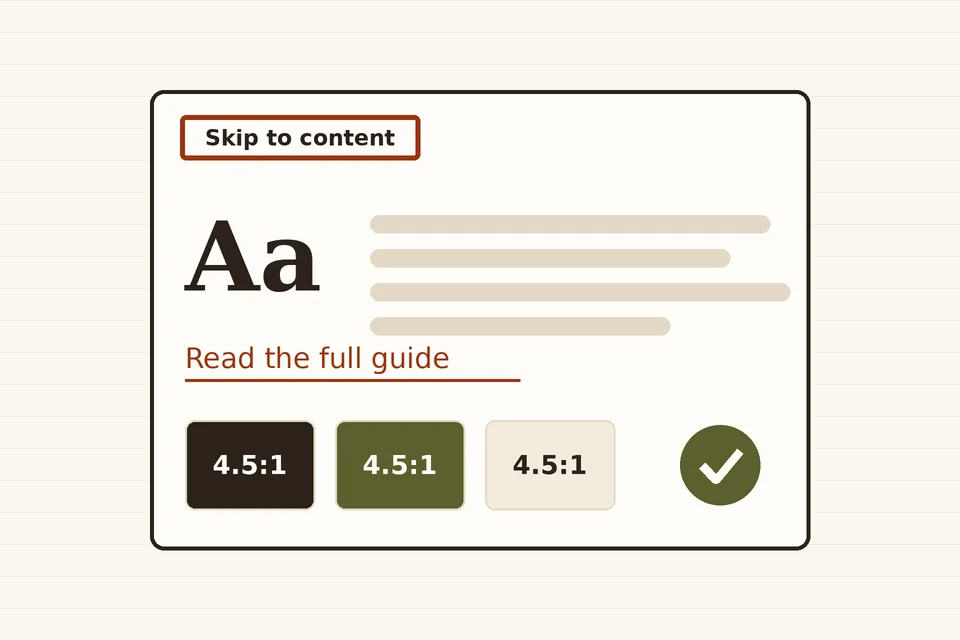
- a skip-to-content link, and meaningful landmark roles and names;
- keyboard navigation support, and controls with accessible names, roles and states;
- labelled form fields and headings with a meaningful structure;
- underlined links in text, and no ambiguous link text;
- sufficient colour contrast for text and interface controls;
- alternative text on images and graphics, and accessible audio, video and animation;
- support for reflow, resizing and text-spacing changes;
- no unexpected changes of context, and no links opening new windows or tabs without warning;
- content shown on hover or focus that is itself accessible;
- an accessibility statement, no recommendation of inaccessible plugins, and support for screen-reader text.
The Themes Team is careful to say that "accessibility ready" does not mean a theme meets WCAG AA. It means the theme reaches the minimum the review sets. A site built on it can still fail because of its content, its plugins or its custom CSS.
A 20-minute test anyone can run
You do not need special software for a first pass. Open your home page, a single post, a page with a form and your menu on a phone-sized window.
1. Keyboard only
Put the mouse aside and press Tab from the top of the page. The first stop should be a "Skip to content" link that becomes visible when focused. Every link, button and menu item should then receive focus in a logical order, with a clearly visible focus outline (WCAG 2.4.7), not hidden behind a sticky header (2.4.11, new in WCAG 2.2). Dropdown menus and the mobile menu button must open with Enter or Space and close with Esc.
2. Zoom and reflow
Zoom the browser to 400% on a desktop window about 1,280 pixels wide, which is equivalent to a 320-pixel viewport. Content should reflow into one column without horizontal scrolling (criterion 1.4.10) and without text overlapping or being cut off.
3. Contrast
Body text needs a contrast ratio of at least 4.5:1 against its background, and large text 3:1 (criterion 1.4.3). Borders of form fields, focus outlines and icons that carry meaning need 3:1 (1.4.11). Light grey placeholder text and pale buttons are the usual failures. Browser developer tools show the ratio when you inspect a text element.
4. Links and targets
Links inside paragraphs should be underlined, not distinguished by colour alone. Small icons and tightly packed links should offer a target of at least 24 by 24 CSS pixels or enough spacing around them (2.5.8, also new in 2.2).
5. Structure
Use a browser extension or the accessibility tree in developer tools to list the headings. There should be one h1 per page and no skipped levels used purely for styling. Check that the page has header, nav, main and footer landmarks, and that multiple navigation menus have distinct labels.
6. A screen reader, briefly
VoiceOver on macOS and iOS, TalkBack on Android and the free NVDA on Windows are enough to hear whether buttons announce their purpose ("Menu, button, collapsed") and whether images are described.
Fixing common theme problems
- Missing skip link. For block themes, WordPress core adds a skip link to the main content automatically through
wp_enqueue_block_template_skip_link(), as long as the template contains amainelement. Classic themes add it themselves, usually right afterwp_body_open()inheader.php. - Removed focus outlines. Search the stylesheet for
outline: noneoroutline: 0. Replace it with a visible:focus-visiblestyle rather than deleting focus indicators. - Low-contrast palettes. In block themes, colours are defined in
theme.json; adjust the palette once and every block that uses it follows. Remove palette entries that cannot meet 4.5:1 on your background, so editors cannot pick them for text. - Hidden labels. Hide text visually with the
screen-reader-textclass, which WordPress core and the accessibility-ready rules expect themes to support, rather than withdisplay: none, which also hides it from screen readers. - Icon-only buttons. A search or menu button that shows only an icon needs an accessible name, through visible text, screen-reader text or an
aria-label.
What stays the editor's job
No theme can write alternative text or choose sensible headings for you. Editors control a large part of a page's accessibility:
- Describe informative images in their alt text, and leave decorative ones empty. The difference between alt text and a visible caption is covered in image captions in WordPress.
- Use real headings in order, from the block toolbar, rather than bold paragraphs.
- Write link text that makes sense on its own: "Download the 2026 price list (PDF)", not "click here".
- Keep navigation predictable. A clear menu and a sensible page order help everyone, and especially screen-reader users who navigate by lists of links; ordering WordPress pages explains how WordPress decides that order.
- Caption videos and provide transcripts for audio.
Image sizes matter as well: an oversized hero image that loads slowly hurts people on poor connections, and text baked into images cannot be resized or read aloud. WordPress thumbnail and image sizes explains how to keep images light.
Choosing a theme with accessibility in mind
Filtering the directory by the accessibility-ready tag is a good start, not a guarantee. Before committing, run the keyboard and zoom tests on the theme's demo, read its accessibility statement, and check whether it has been updated recently: a theme reviewed years ago and never updated may no longer meet the current requirements. The accessibility chapter of the Theme Handbook explains the principles for anyone building or adapting a theme.
The same tests apply to themes sold for a single trade, such as the property themes discussed in WordPress options for estate agency websites, where search forms and photo galleries are the parts most likely to fail them.
 Pages & images
Image captions
How captions work in WordPress: caption versus alt text, adding captions in the Image block and Media Library, styling them, and showing captions in templates.
 Pages & images
Ordering pages
How WordPress decides the order of pages, how to set it with the Order attribute, navigation menus or drag-and-drop, and how to sort page lists in code.
 Pages & images
Thumbnail and image sizes
Which image sizes WordPress creates on upload, how to change thumbnail dimensions, register custom sizes, regenerate existing images and avoid wasted disk space.